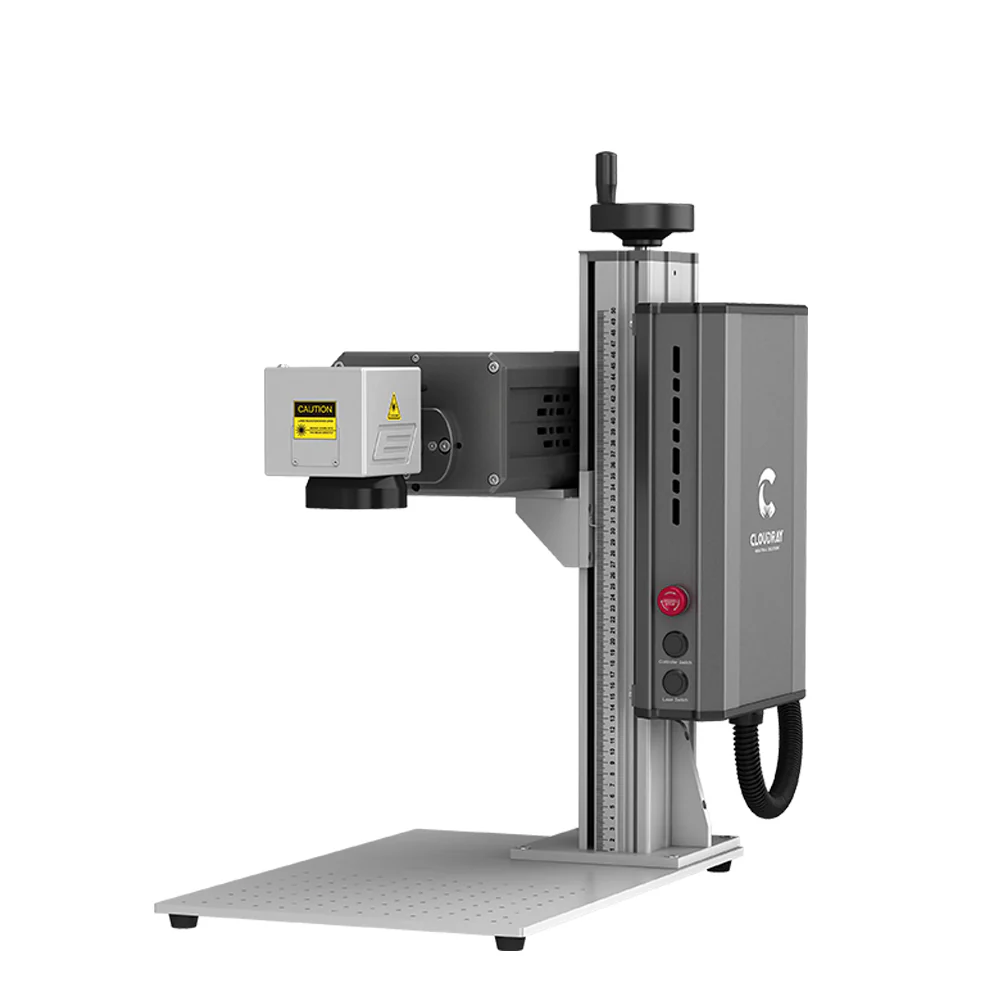
Intro: Valentine's Day is just around the corner. Nothing says "forever" like a rose frozen in time—not in ice, but in pure crystal. Today, we’ll show you how to use Cloudray UV Pro Series to engrave a breathtaking 3D rose inside a crystal sphere.

The Setup
Laser Machine: Cloudray UV Pro Series 5W
Material: Premium K9 Crystal Sphere (60mm diameter)
Essential Tool: Rotary Attachment for base engraving
The Secret Ingredient: Specialized Engraving Oil
Why Engraving Oil?
Before hitting "Start," let's talk about the most critical step. To achieve a crisp, distortion-free 3D image inside a sphere, you must submerge the crystal sphere in specialized engraving oil.
Why? Because a curved surface acts like a lens, causing the laser beam to refract and lose focus. By using an oil with a refractive index nearly identical to the glass, we effectively "cancel out" the sphere's curvature. This allows the beam to pass through the liquid and glass as if it were a flat plane, focusing precisely at the desired coordinates.
Step-by-Step Tutorial
Step 1: Software Setup & Parameters
Import your 3D rose file into the marking software. Set parameters as below:

Step 2: The Oil Bath
Submerge the crystal sphere into the engraving oil.

Step 3: Engraving with UV Pro Series 5W
UV Pro Series 5W begins engraving the rose. During the marking process, the focus is positioned at the lowest point of the crystal.

Step 4: Base Engraving
Use the rotary attachment to engrave a custom message on the wooden LED base.